
The quietest way residential real estate agents lose deals.
You work far too hard to let a spam filter quietly erase your commissions.
Your spam folder buries time-sensitive, commission-related emails—silently, invisibly—before you ever see them.
Found Opportunity watches your spam folder and alerts you to those buried opportunities before they go stale, cost you commissions, and chip away at your reputation.
- ✓ Built exclusively for residential real estate agents and teams
- ✓ One-time setup in ~15 seconds
- ✓ Read-only monitoring of your spam folder, not your inbox
- ✓ Commission-related email lands there? You're alerted instantly

WHERE DEALS GET MISSED
Spam filters don't hate you personally.
They simply don't care.
Spam filters are great at blocking nonsense and alarmingly good
at burying the emails that put money in your pocket.
Lost listings and offers
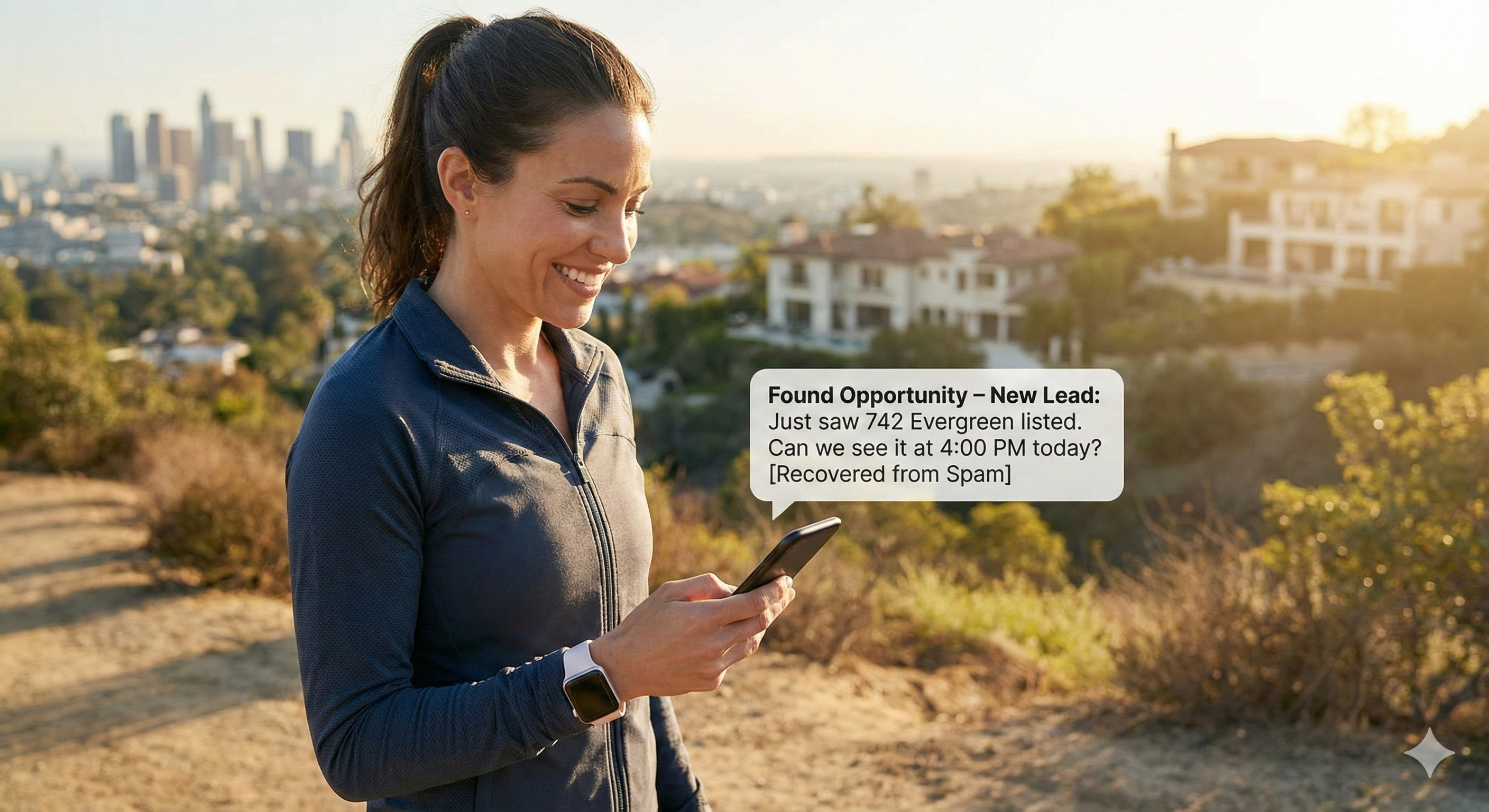
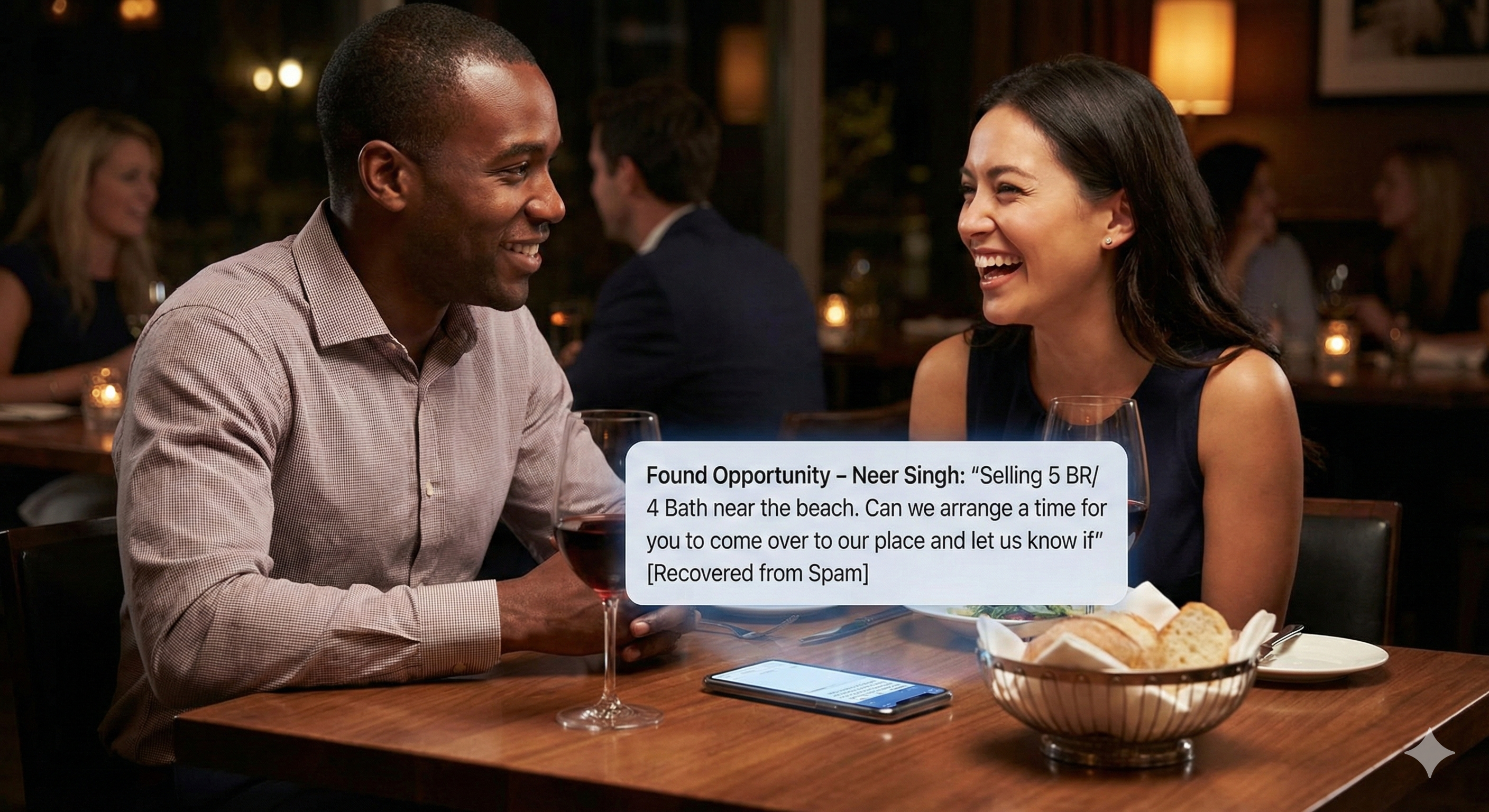
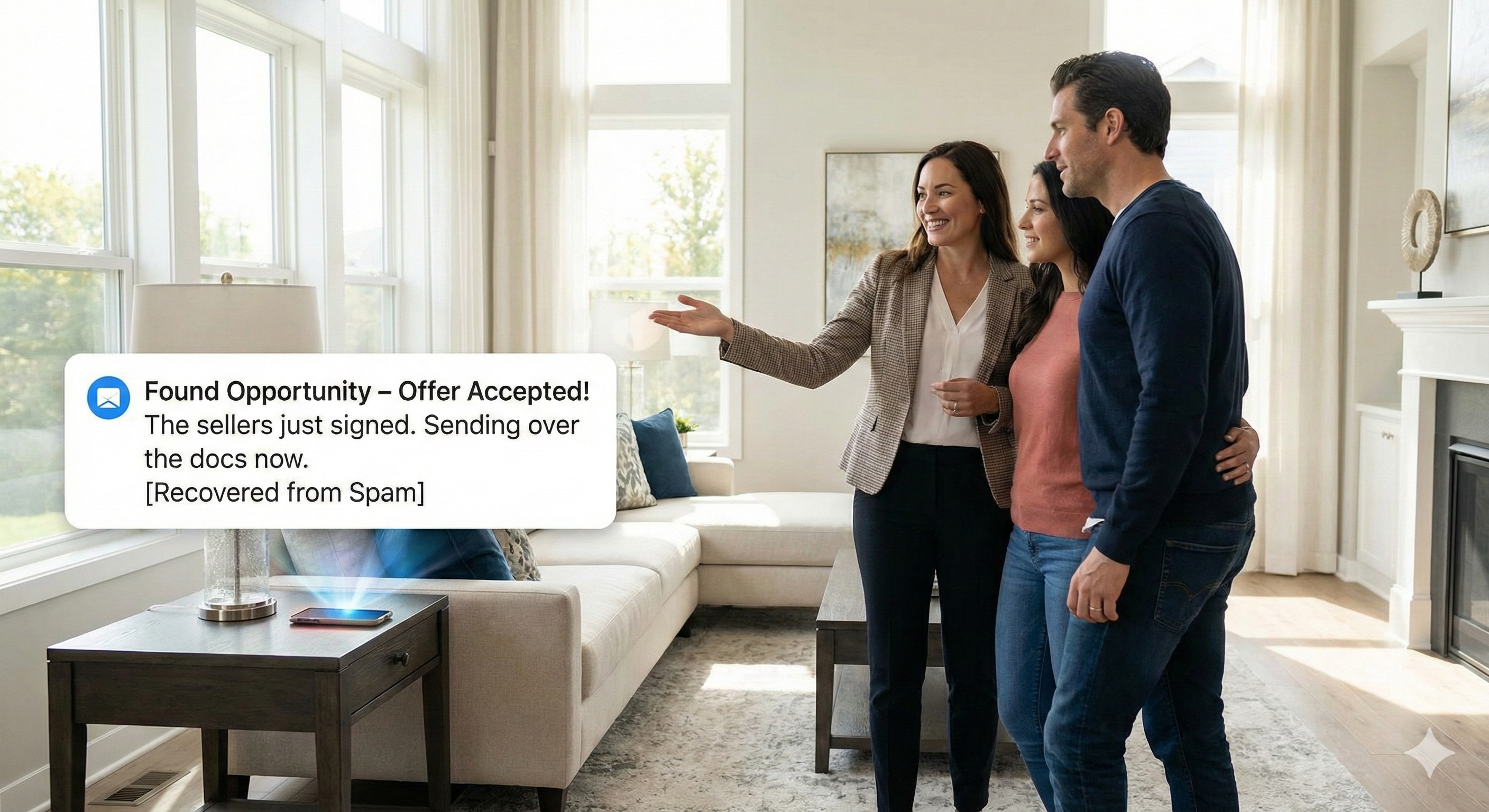
When high-intent emails land in spam, you never see them. A seller's response, an off-market listing, a buyer's increased offer — all quietly buried.
Missed buyers and referrals
Serious buyer inquiries and warm introductions get filtered out as "junk." By the time you notice, someone else has already replied.
Reputation damage
Clients think you're ignoring urgent messages. "You never replied to my email" becomes lost business and strained relationships.
WHY WE BUILT THIS
You deserve to see every time-sensitive,
valuable email meant for you.
Every residential real estate agent we talked to shared the same nightmare: an email with real money attached sat unnoticed in their spam folder until the window to turn it into a commission had closed.
So we built Found Opportunity to make sure that nightmare doesn't keep repeating.
Found Opportunity is purpose-built technology. Not overengineered. Not noisy. Just reliable.
It performs one job, obsessively:
making sure time-sensitive, commission-related emails in your spam folder get surfaced in time to act on them.
HOW FOUND OPPORTUNITY WORKS
Simple on the surface. Sophisticated beneath it.
Set it up once, then stop worrying about what your spam filter might be hiding.
Connect your email once
Sign in securely with your Google or Microsoft account. No passwords to remember, and we get read-only access that limited to your spam folder.
We watch only your spam folder
Our system continuously monitors your spam folder for time-sensitive, commission-related email while you're out doing the actual work that earns your commissions.
We alert you instantly
When we find a likely opportunity, you get an instant email alert (and, soon, a mobile push) with the sender, subject, and a short preview so you can act before it goes stale.
✓ iOS and Android available now


WHAT WE CATCH FOR YOU
Here's what Found Opportunity surfaces
from your spam folder.
Your spam folder is monitored 24/7. You get an instant alert when a time-sensitive, commission-related email lands there — not newsletters or noise.
The types of emails we catch
Buyer, seller & referral inquiries — new business that gets buried as junk
Off-market & pocket listings — agent blasts sent before they hit the MLS
Price reduction alerts — know before the portals do
Offer, counter-offer & closing updates — lender replies, title & insurance requests
How alerts show up
Instant email alerts — no delay, no digging through spam
Sender & subject line — know what it's about at a glance
Message preview — enough context without opening spam
Push notifications via mobile app — iOS and Android available
YOUR DATA, PROTECTED
Security isn't an add-on.
It is the product.
We use the same secure sign-in method as the platforms you already trust.
We're not a brokerage, team, or lead reseller. We never buy, sell, or share your data.
Key Protections
Your data never leaves your account.
Need security documentation for your broker or IT team?
Download our Security Questionnaire (PDF) or email for anything custom.

WHAT AGENTS ARE SAYING
Found Opportunity caught an off-market $3.5M listing another agent sent me that went to spam. It was the perfect home for my client. And I would've missed it completely.
Gmail hid a buyer's increased offer in spam. Found Opportunity saved the deal, which is why now my whole team uses it.
PRICING & PLAN
One simple plan. Zero complexity.
Less than losing a deal — or your reputation.
You get:
- Unlimited spam scanning—24/7
- Instant alerts
- Full security protections
- Works with Google and Microsoft accounts
Cancel anytime, no contracts, no setup fees.
Trusted by residential real estate agents across the U.S.
Regular alerts for new opportunities. Peace of mind for your active deals.
Teams & brokerages: Enroll multiple agents; each agent gets their own protected spam folder and alerts.
Already use OWL (VIP alerts)? See compatibility note.
FAQs
Questions other customers have asked.
Our signals, keywords, and patterns are tuned for residential deals — buyers, sellers, listings, and closings. If you work primarily in commercial real estate, our alerts won't be accurate enough, and we don't recommend using the product. We'd rather have you say "this isn't for me" than sign up, get bad alerts, and feel misled.
Yes, but not with the same email account.
Found Opportunity and OWL are separate products that cannot share the same connected email account. If you connect an email account to Found Opportunity that is already connected to OWL (or vice versa), it will disconnect from the other product and cause issues.
Example: If you have two Gmail accounts, you could connect one to OWL and the other to Found Opportunity. But you cannot connect the same Gmail account to both products.
Short answer: You have to tell your phone which Focus modes Found Opportunity is allowed to interrupt. This takes about 60 seconds.
iPhone (iOS)
Important: iPhones treat each Focus mode separately. If you use Sleep, Work, and Do Not Disturb, you must add Found Opportunity to each one.
1. Open Settings → Focus
2. Tap a Focus mode (e.g., Sleep)
3. Under Allowed Notifications, tap Apps
4. Tap Add Apps and select Found Opportunity
5. Repeat for each Focus mode you use
Also check: Settings → Notifications → Found Opportunity → turn on Allow Notifications and Time Sensitive Notifications (if shown).
Android
1. Settings → Notifications → Found Opportunity → turn on Allow notifications
2. Settings → Battery → Battery Optimization → find Found Opportunity → set to Unrestricted
3. (Optional) Settings → Sound → Do Not Disturb → Allowed apps → add Found Opportunity
Note: Menu names vary by phone brand.
Find the Opportunities Your Inbox Missed.
Your deals, your commissions, your reputation—too valuable to leave to chance.
Start always-on protection in just 15 seconds.